Play / Pause
Toggle playback, matching common web and desktop players (Alt+P remains supported)
 Claude
Pause, rewind, change playback speed and download audio. Stay in the conversation while you listen.
Open Claude and start Read Aloud on a completed response. Use the player to pause, seek, change speed, or download.
Development preview · 0.1.0 · Store release pending
For desktop Chrome, Edge and compatible browsers. Open this page on your computer to install.
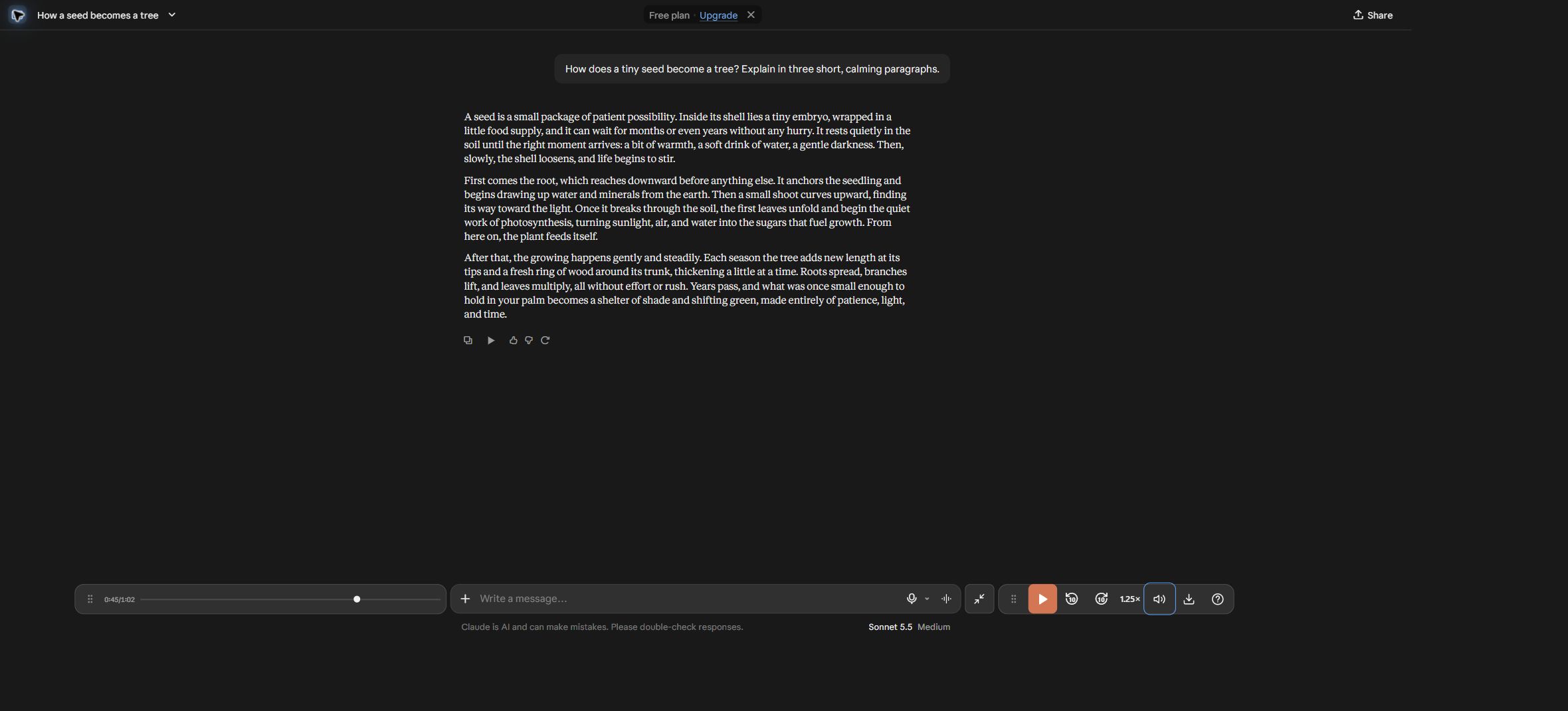
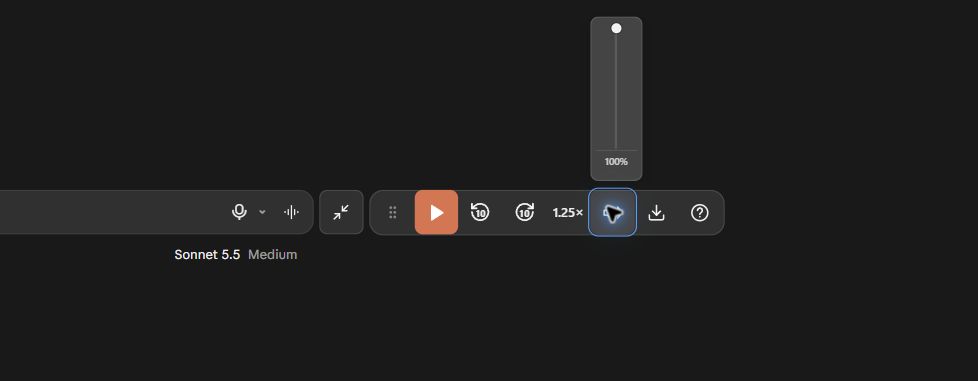
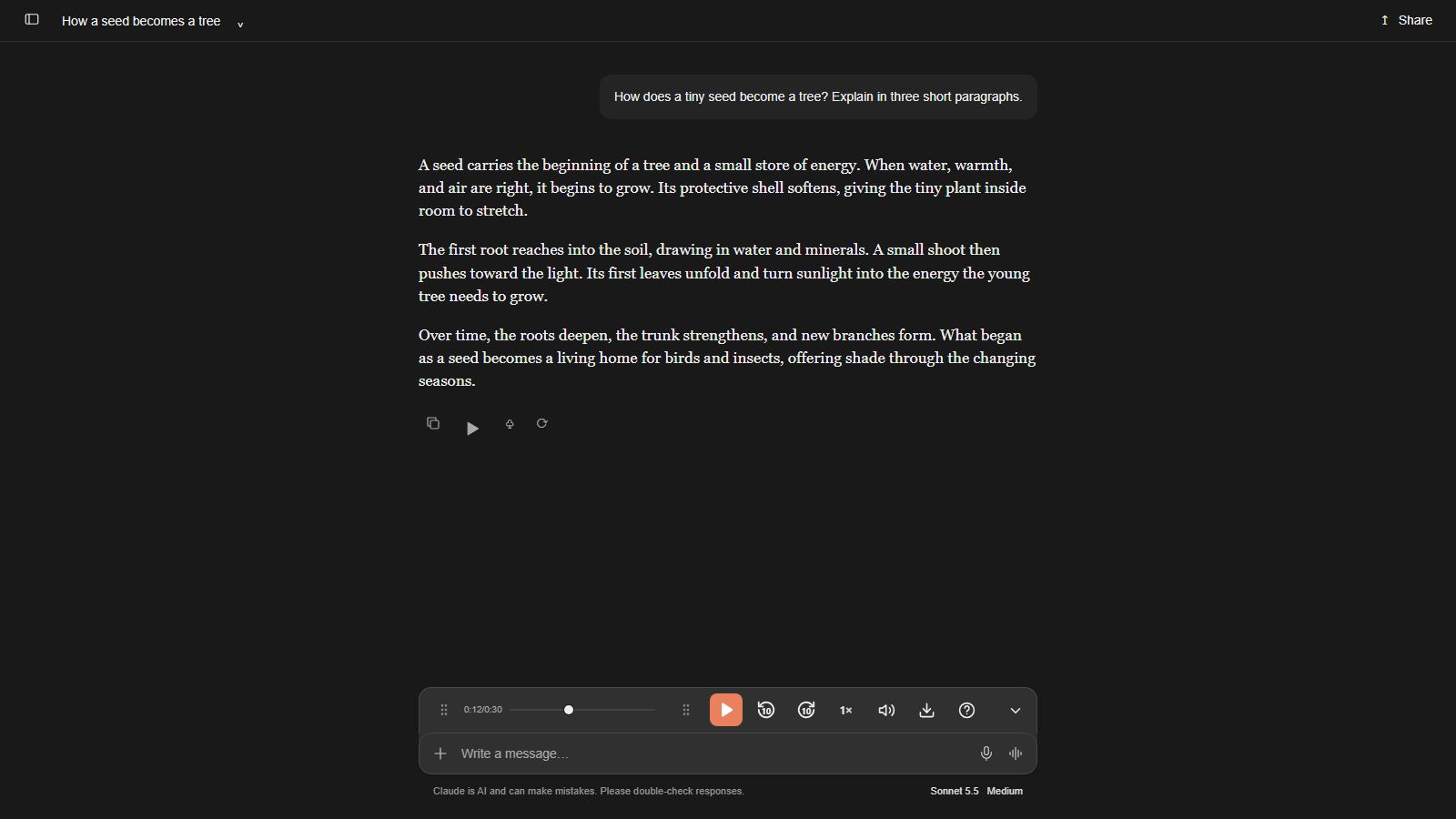
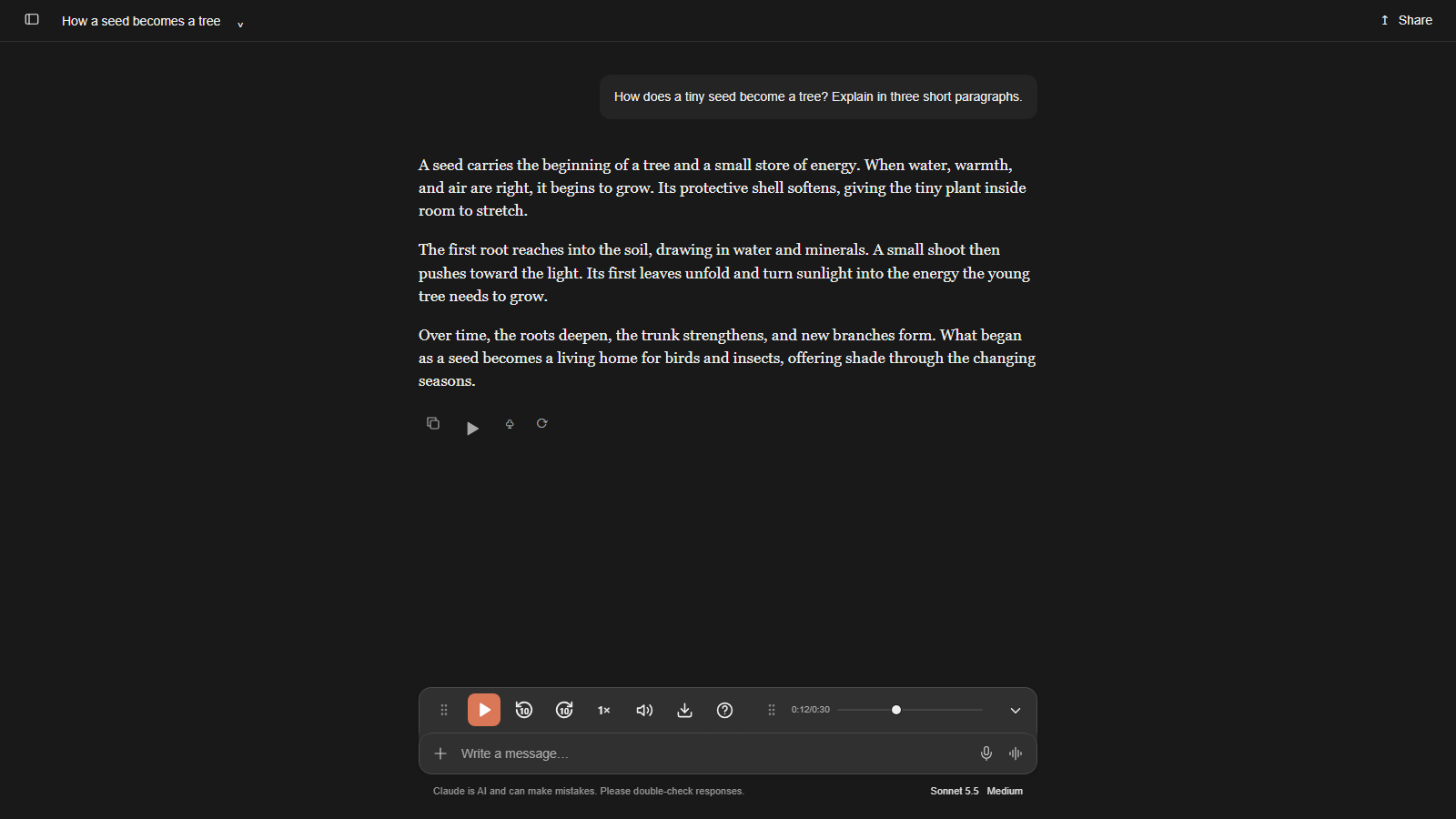
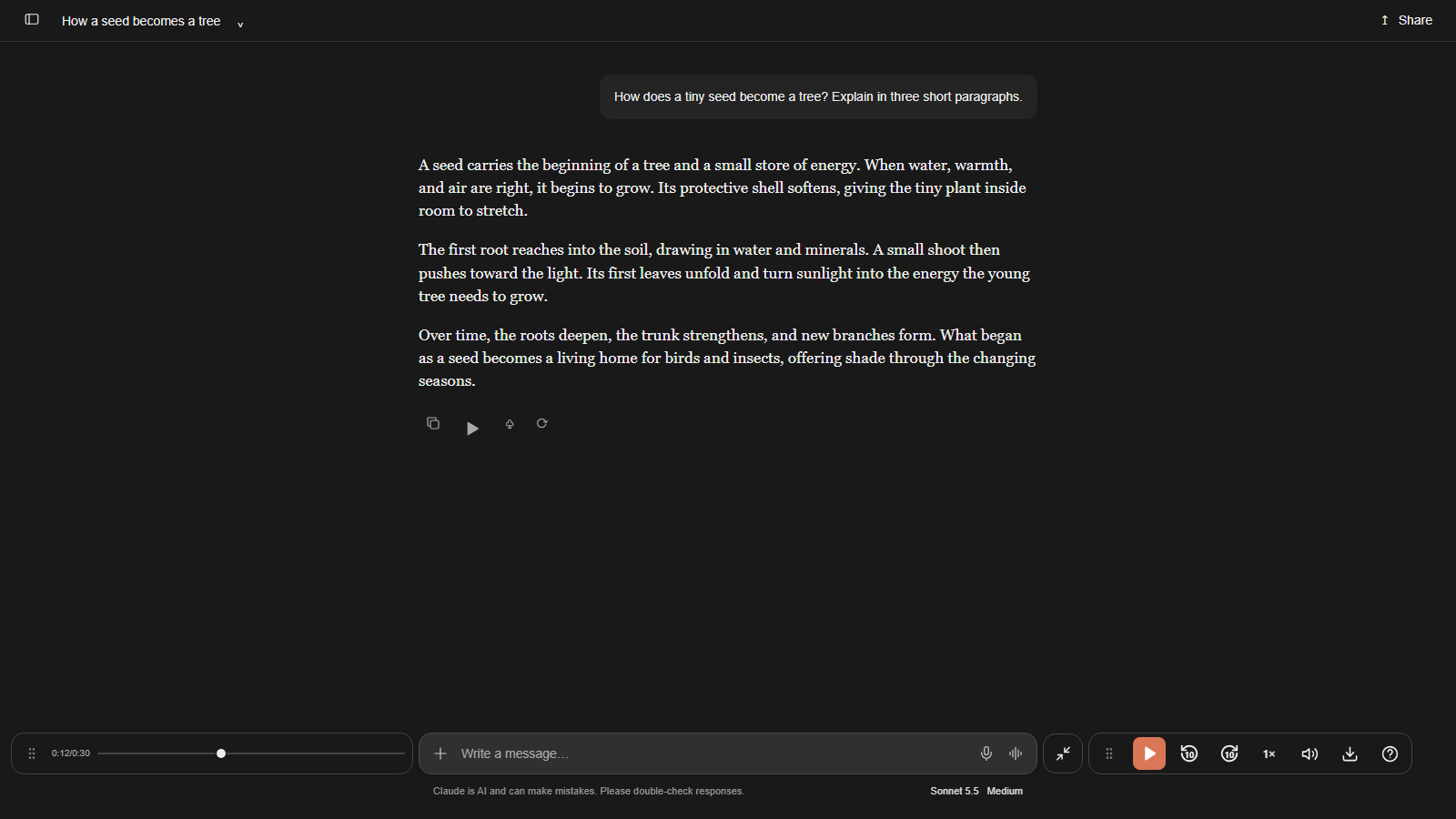
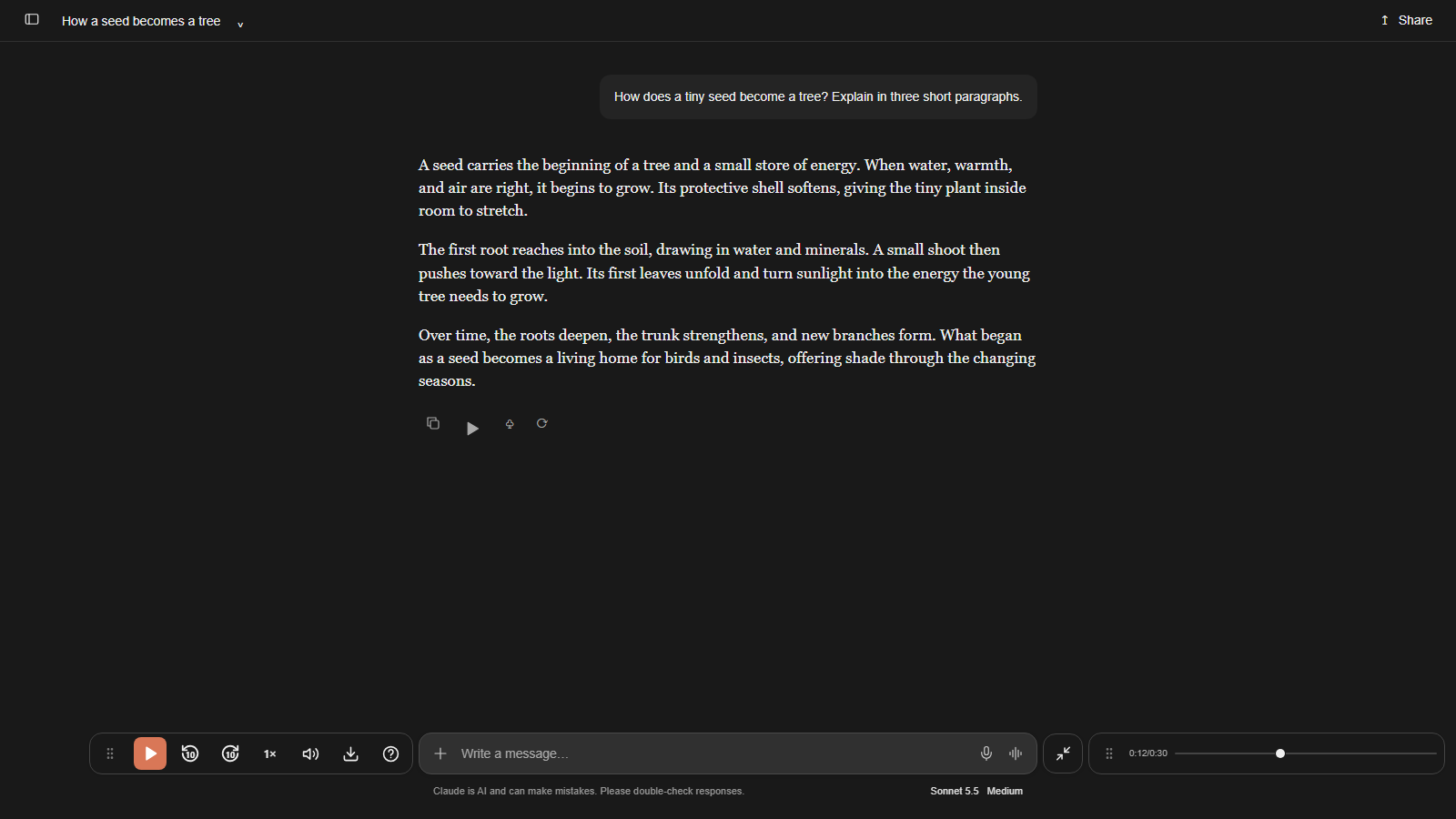
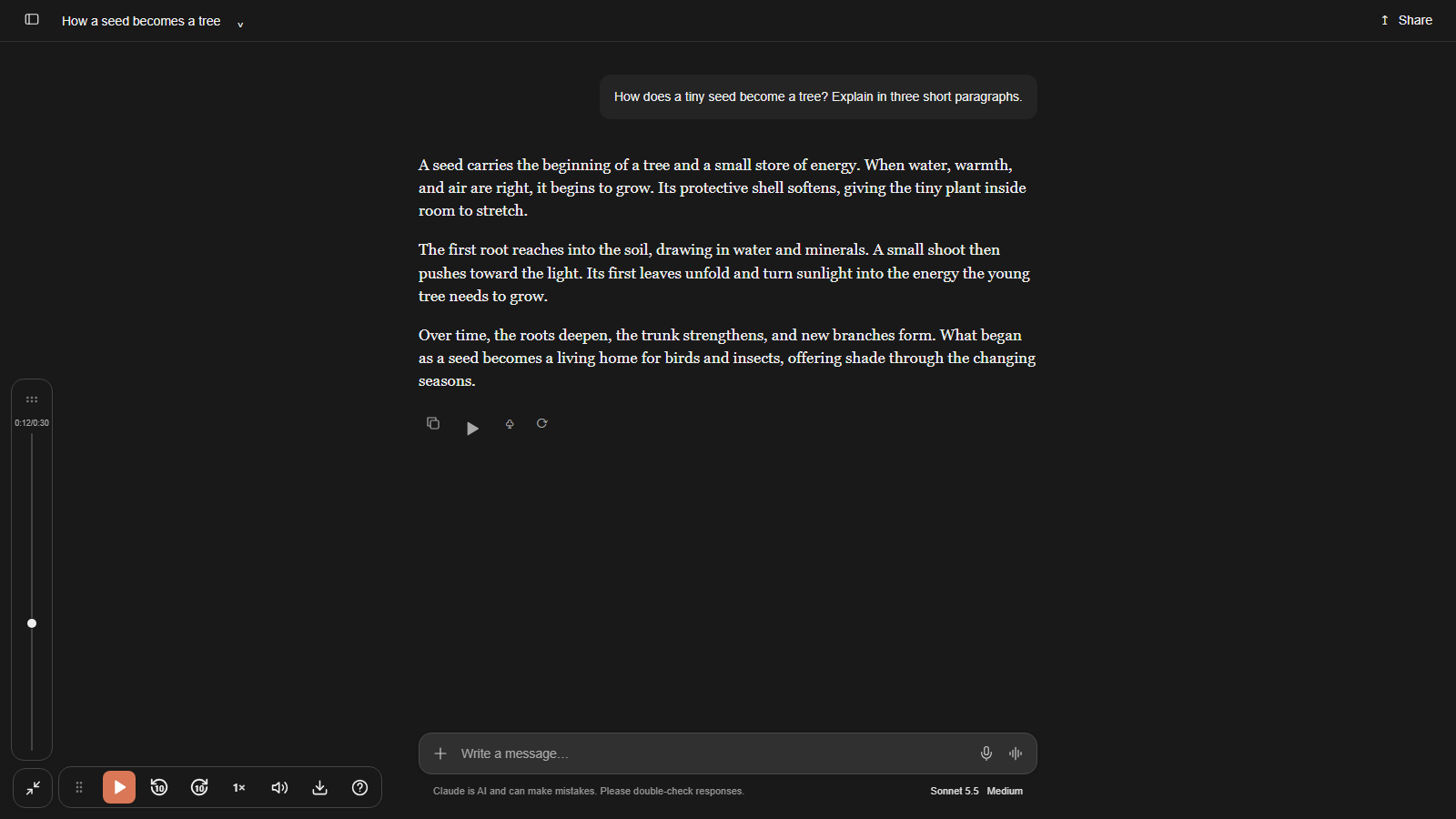
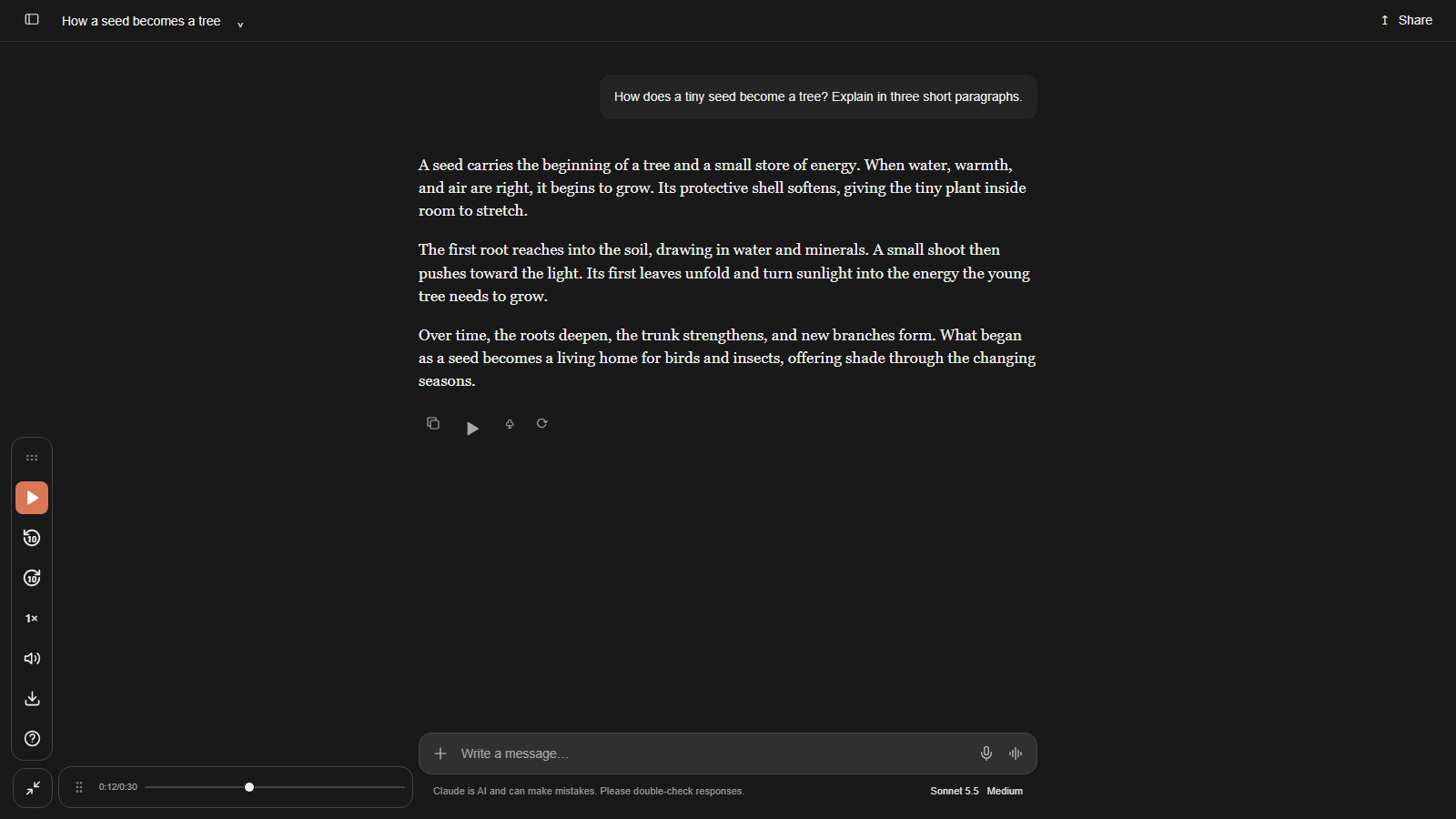
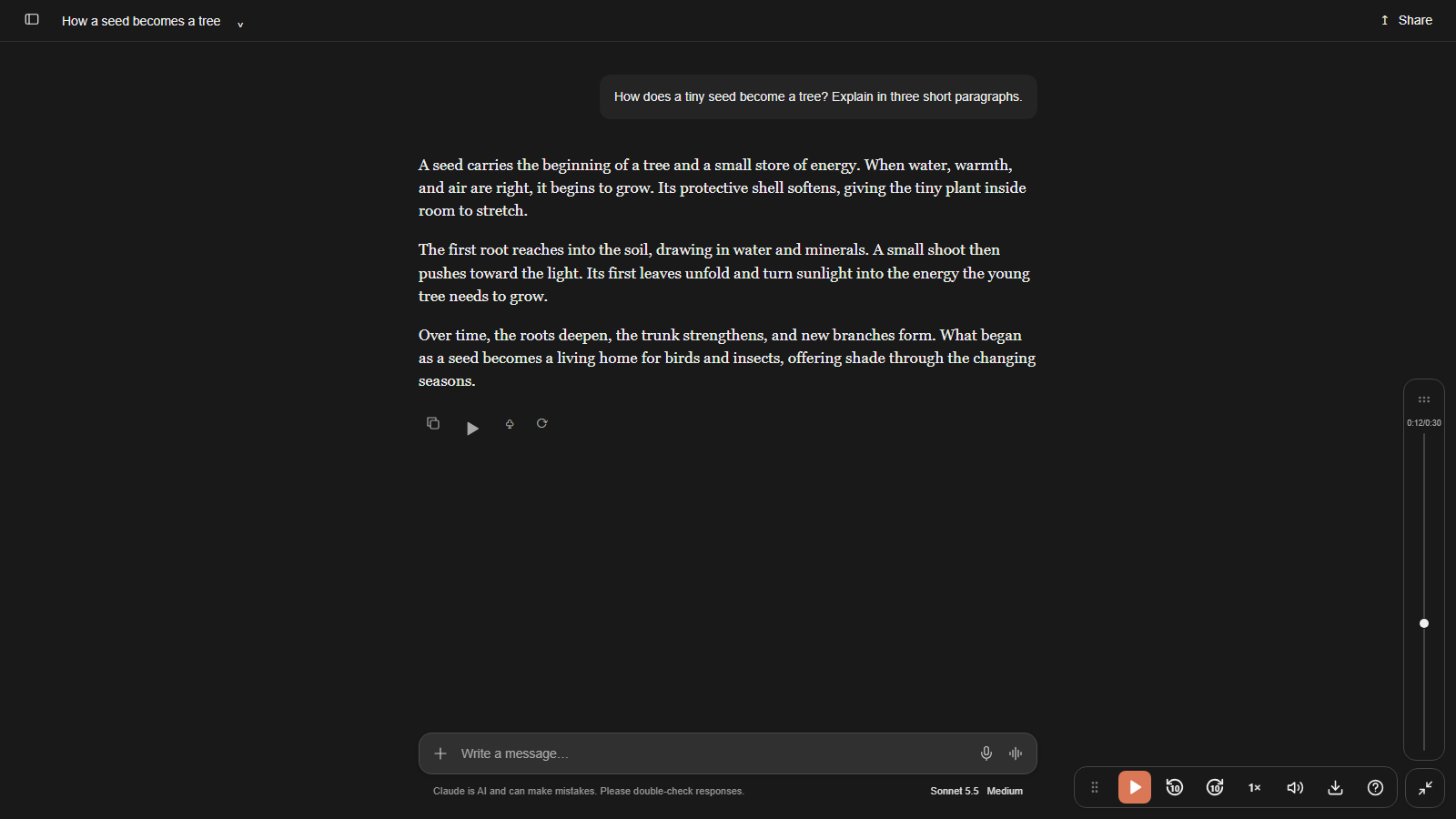
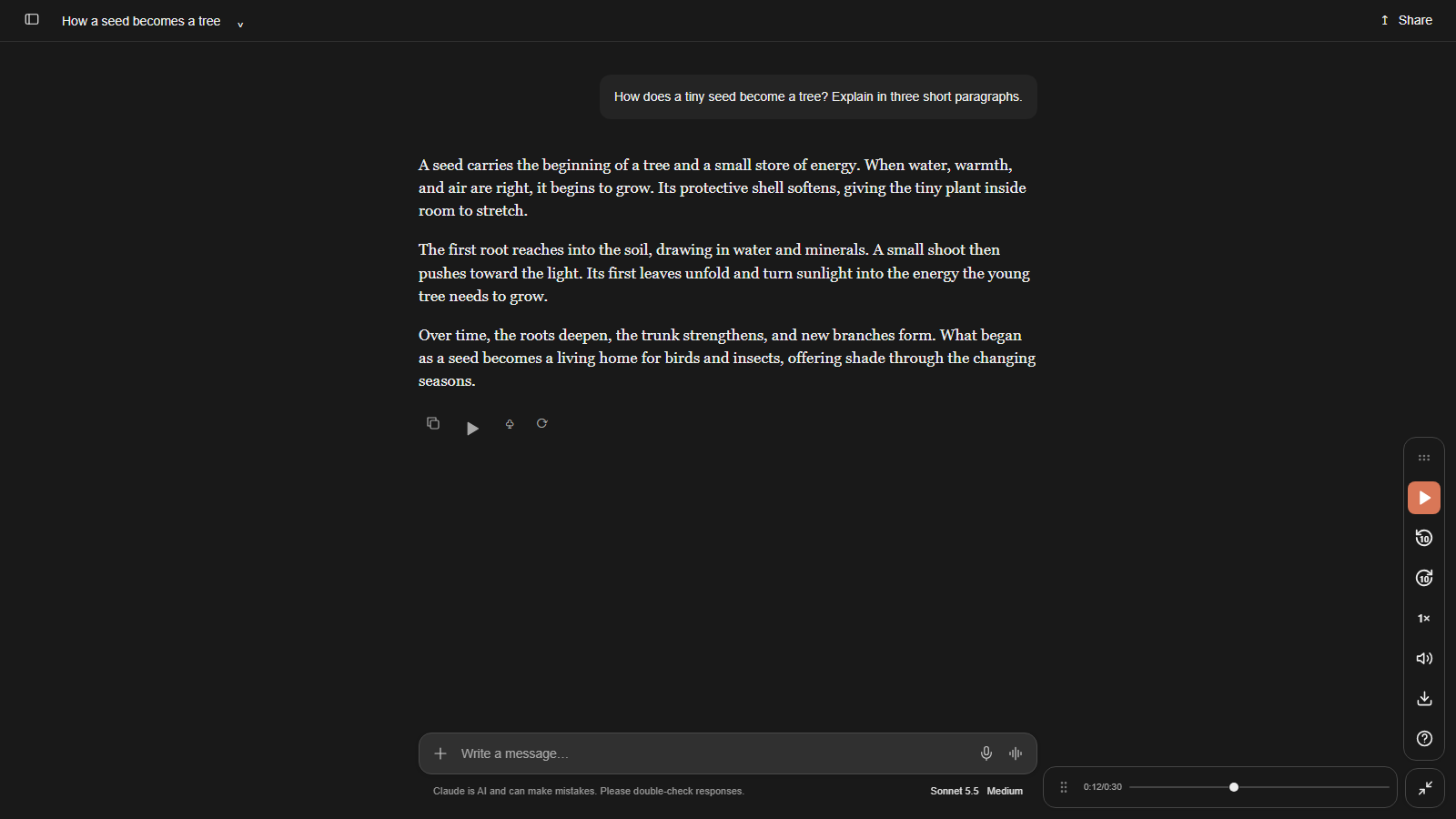
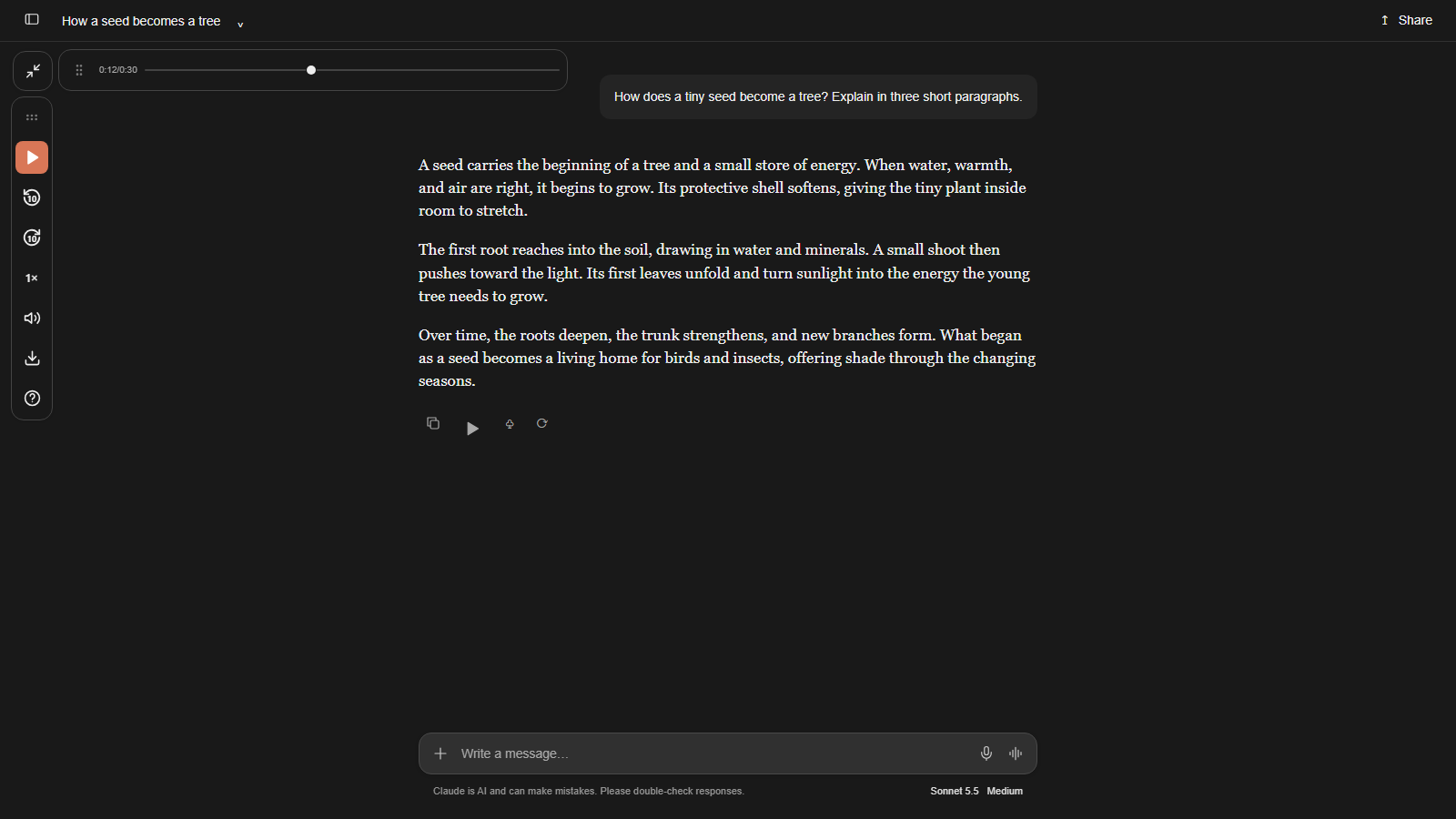
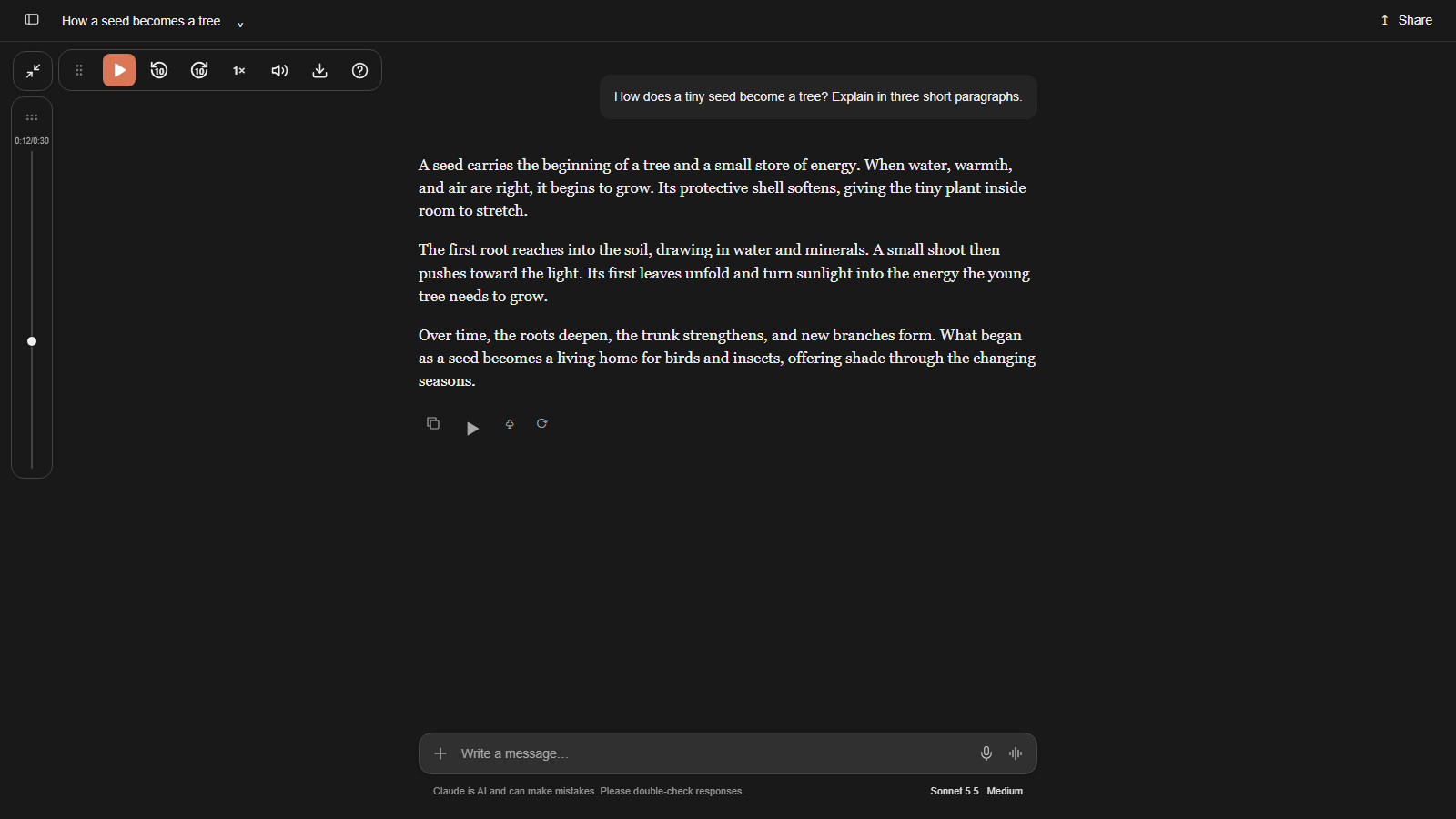
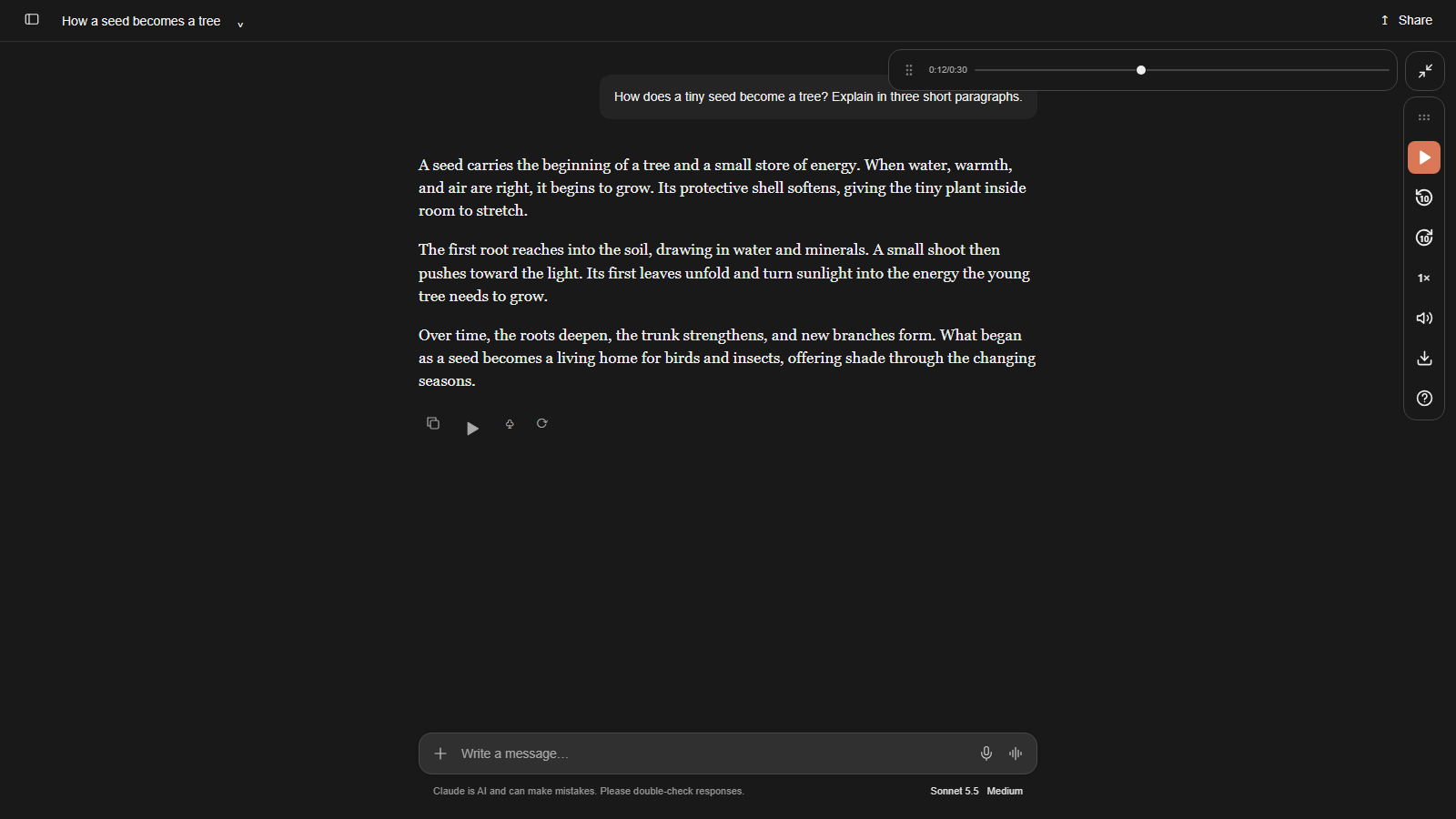
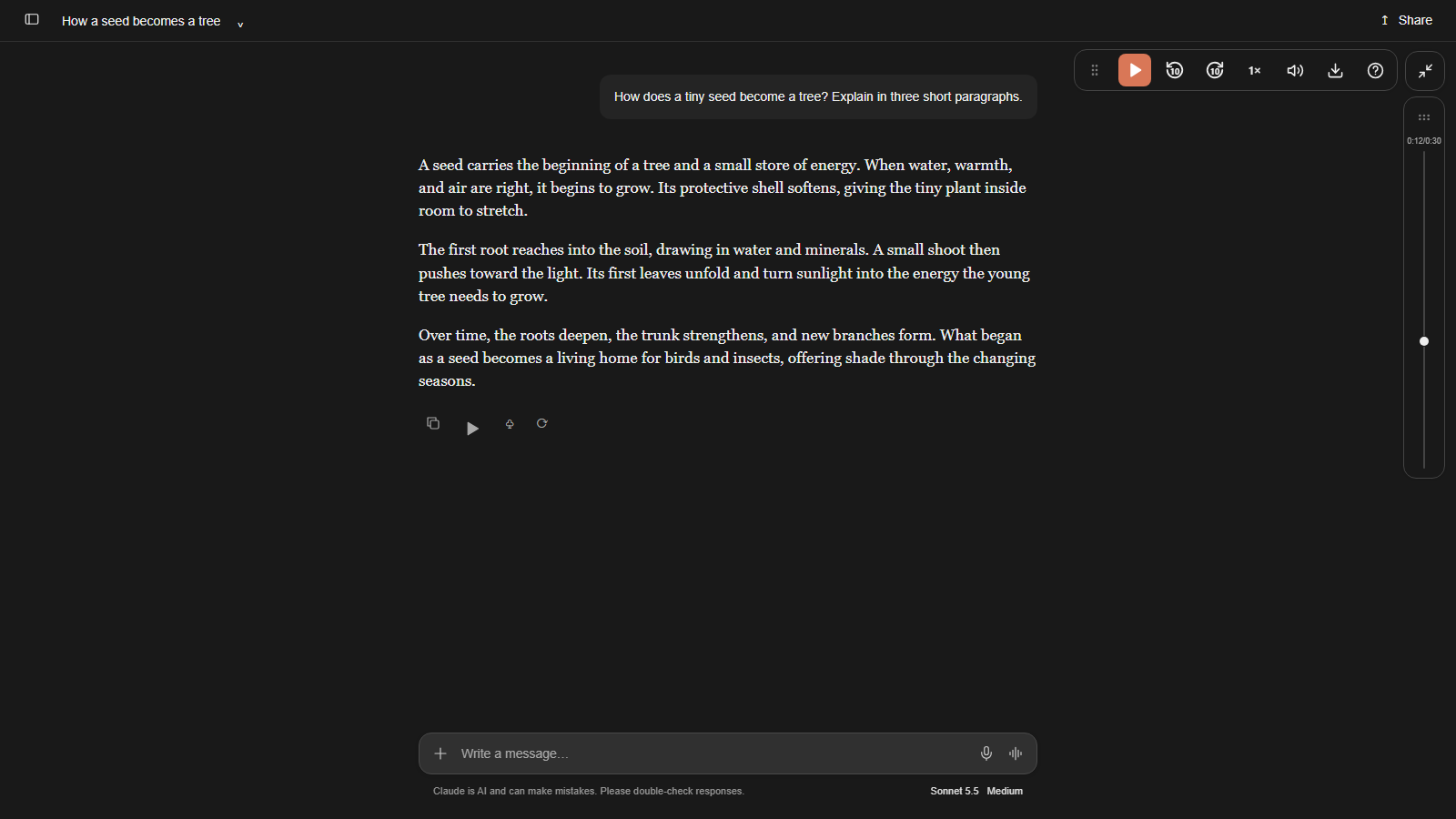
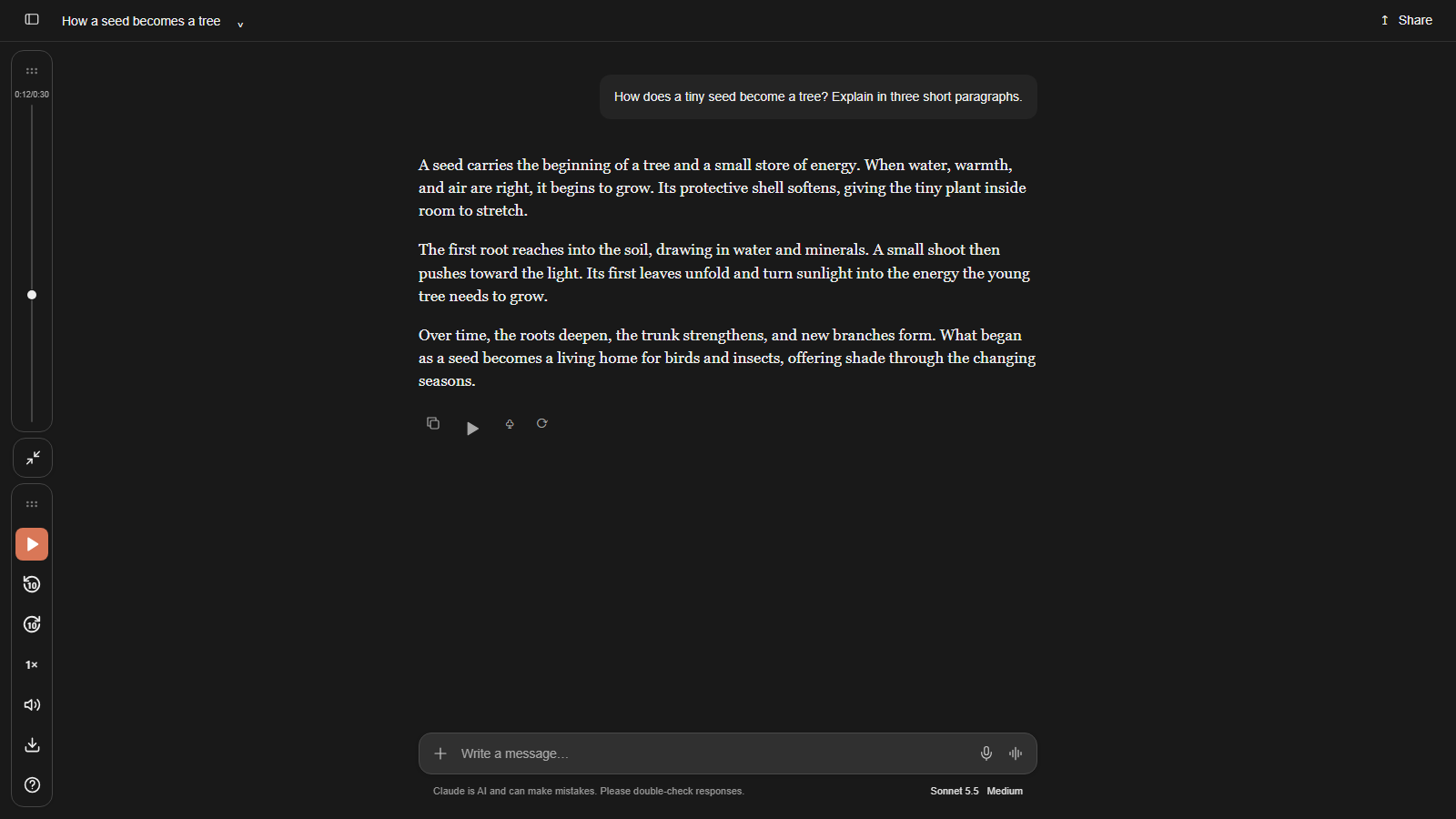
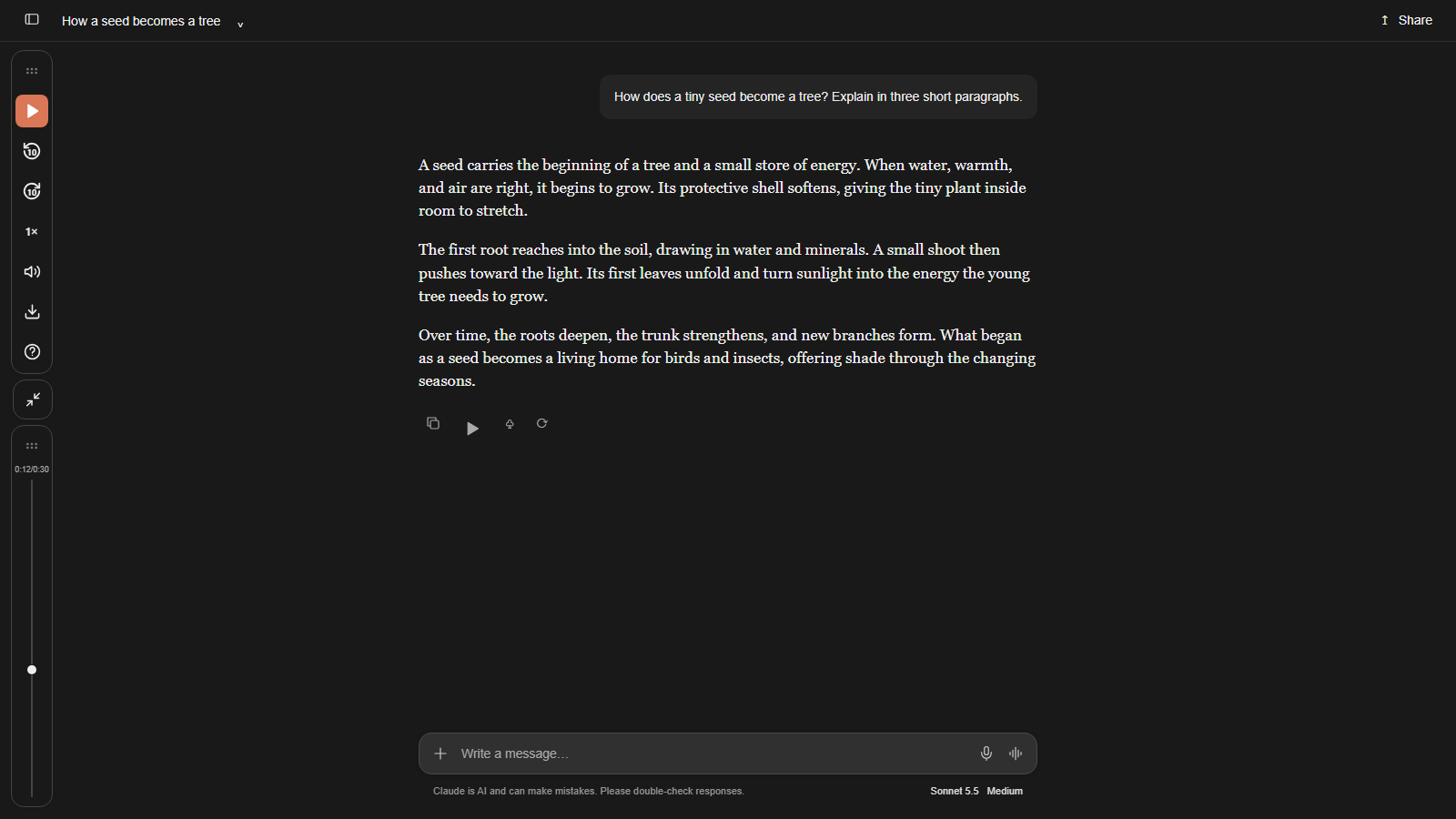
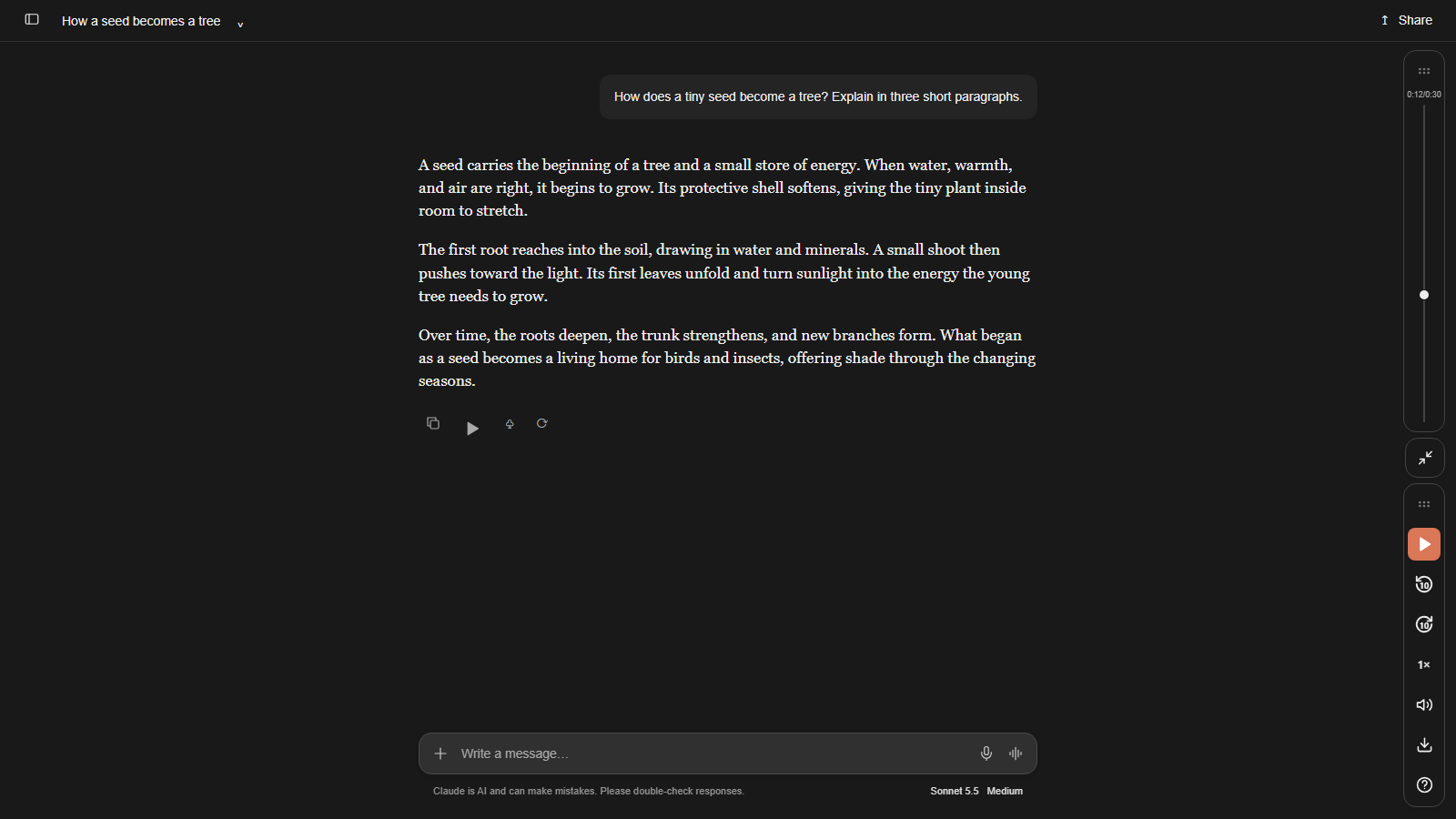
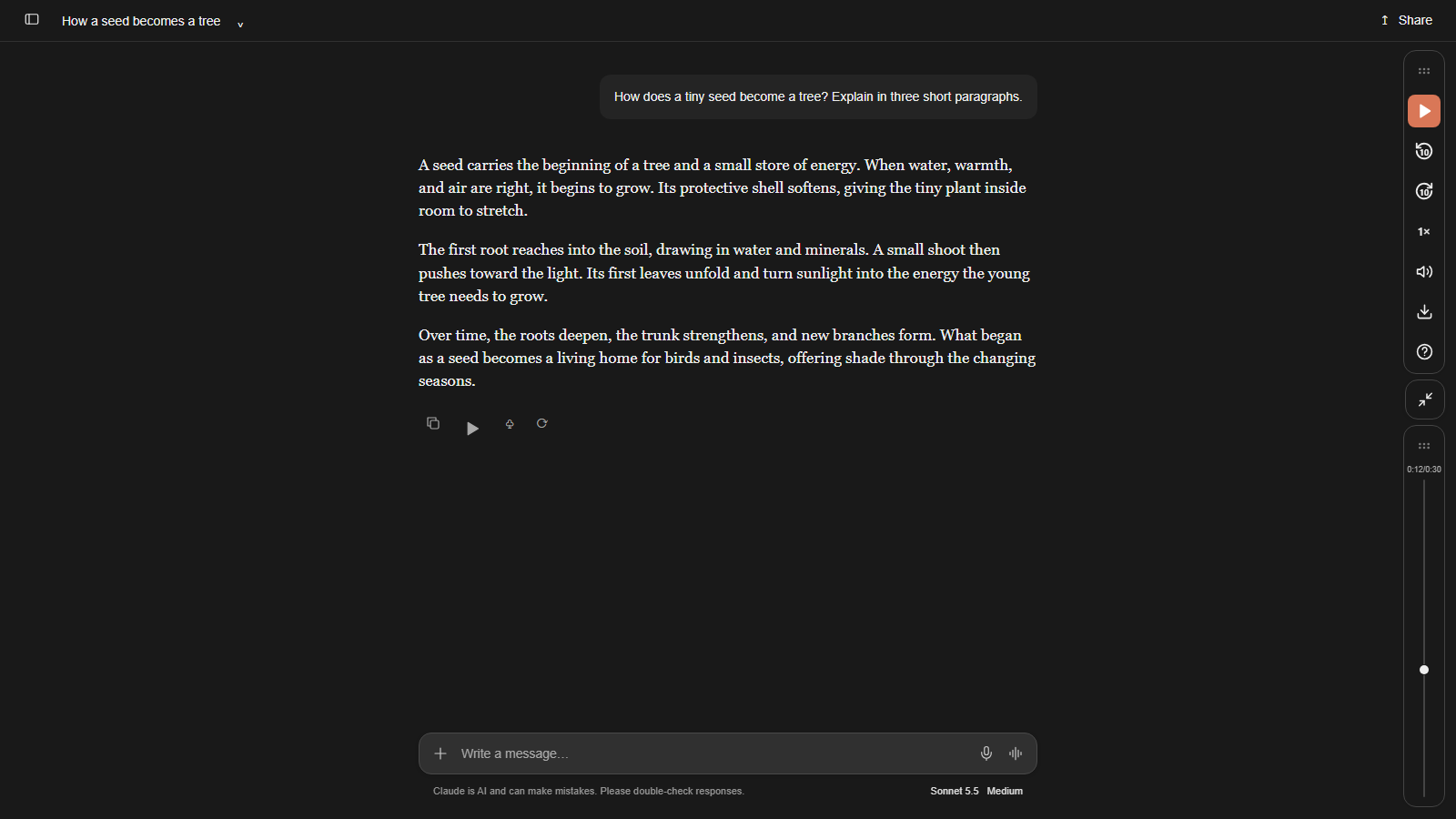
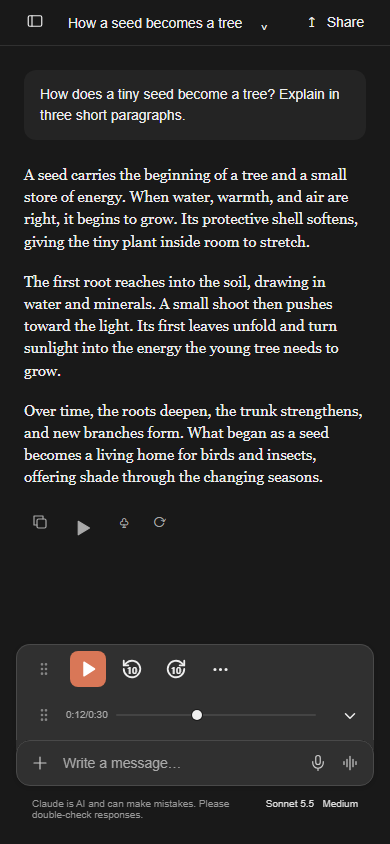
Toggle playback, matching common web and desktop players (Alt+P remains supported)
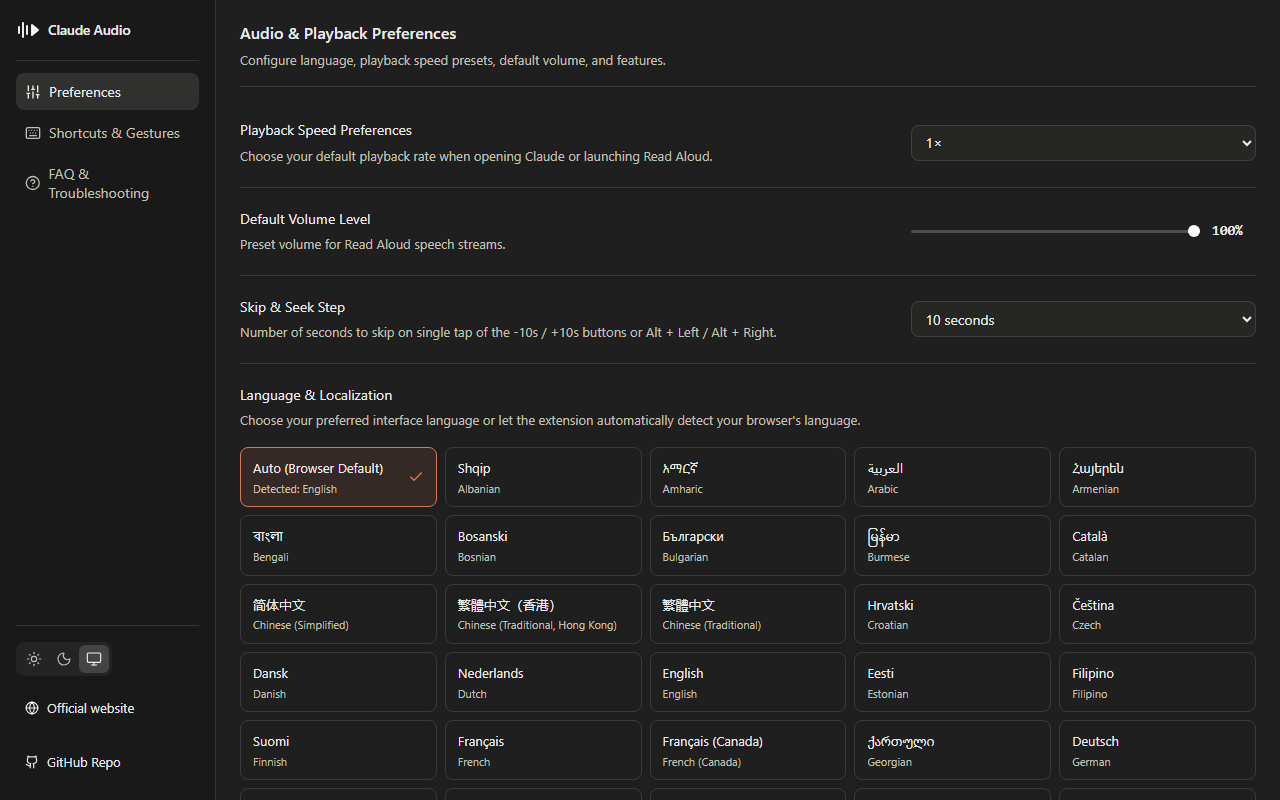
Choose your default playback rate when opening Claude or launching Read Aloud.
After generation finishes, download the complete reply: WebM/Opus for native Opus, WAV for native PCM. Audio stays in your browser.
Keep the original placement, choose a corner or side preset, or dock above the chat input. Drag to move, swap the bars, and remember your layout.
Notify when full audio is ready
Simply hover your mouse pointer over the volume speaker icon on the player rail and scroll your mouse wheel up or down. The volume will smoothly adjust in 5% increments without having to open the slider popover!
Accelerate seeking by holding ◀10 or 10▶
| Controls | Windows / Linux | macOS |
|---|---|---|
| Play / Pause | Space / K · Alt+P | Space / K · Option ⌥+P |
| Back 10 seconds | Alt+← | Option ⌥+← |
| Forward 10 seconds | Alt+→ | Option ⌥+→ |
| Decrease Speed | Shift+, | Shift ⇧+, |
| Increase Speed | Shift+. | Shift ⇧+. |
Configure language, playback speed presets, default volume, and features.
Choose your preferred interface language or let the extension automatically detect your browser's language.
Number of seconds to skip on single tap of the -10s / +10s buttons or Alt + Left / Alt + Right.
Simply hover your mouse pointer over the volume speaker icon on the player rail and scroll your mouse wheel up or down. The volume will smoothly adjust in 5% increments without having to open the slider popover!
Keep the original placement, choose a corner or side preset, or dock above the chat input. Drag to move, swap the bars, and remember your layout.
After generation finishes, download the complete reply: WebM/Opus for native Opus, WAV for native PCM. Audio stays in your browser.
Yes! The player automatically detects your available screen width and dynamically scales its seekbar to fit your laptop screen comfortably. If space is extremely tight, the floating button stays accessible so you can expand and collapse the player whenever you need it.
The extension has no analytics or telemetry. Audio and conversation handling stay in your browser. Browser sync may synchronize preferences.
Start playback with Claude’s Read Aloud button beside the response.
Playback could not resume. Start Read Aloud again using Claude’s response button.
Set up the extension, learn the controls, or install the standalone userscript—all in these step-by-step guides.
The extension and userscript share player, layout and language features. Browser-assigned shortcuts require the desktop extension.
Has Claude Audio Controls made your day a little easier, saved you time, or helped you get more done? If it has added value to your life—and you value tools that respect your privacy—please consider supporting its development.
Your contribution helps cover the rising cost of the AI subscriptions I use to build and improve the extension. It also gives me a little extra motivation to keep going.
Can’t donate? That’s completely okay. Sharing your honest experience—what helped your productivity and what could be better—means a lot too. Thank you for being here. 🙏
The extension has no analytics or telemetry. Audio and conversation handling stay in your browser. Browser sync may synchronize preferences.
This website uses Google Analytics only after you allow it. It measures visits and store-link clicks, not installations or extension usage. You can withdraw permission using Analytics preferences. With consent, PayPal link clicks are also counted; payments are never tracked.
Your feedback is optional and private, even after uninstalling. No name or email is required. Please don’t include personal details or conversations.